You've been asked to sort out lunch for the team. Simple enough — until you actually try to do it.
Do you find a caterer and place one big order? Set up a recurring program so people can order what they want? Build a shared cart every Thursday and hope nobody misses the cutoff? There are a lot of options, and they're not all solving the same problem.
Two models dominate how growing offices handle team lunch delivery: recurring daily meal programs, where employees order individually on a set schedule, and traditional catering, where one person orders for everyone ahead of a specific event. Both work. But they work for different situations and picking the wrong one for the wrong occasion wastes money and admin time.
Here's how they compare.
Two Models for Team Lunch Delivery
Before getting into the pros and cons, it helps to understand what each model actually is.
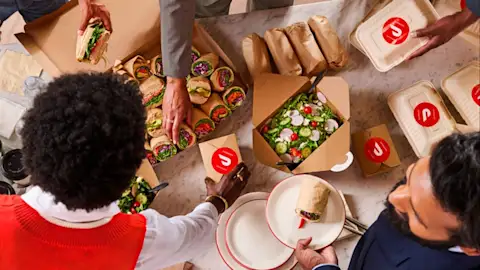
A recurring daily meal program is exactly what it sounds like. The admin sets it up once — budget, delivery window, schedule — and it runs automatically. Employees order from their own restaurant of choice. All the orders arrive together at the same time, so the team still eats as a group even though everyone picked something different. No weekly coordination. No one person chooses the food for everyone else.
Traditional office catering works differently. One organizer selects a restaurant and menu, places a single order for the whole group, and the food arrives in trays or boxed meals for a specific event. It's planned ahead, usually by at least 24-48 hours. Think all-hands meetings, client lunches, onboarding days, or company celebrations.
These aren't competing options. They serve different moments. The mistake most offices make is using one model to cover both — catering every regular weekly lunch, or trying to run an ad-hoc team order for a 60-person all-hands.
Daily Team Meal Programs: How They Work
Recurring lunch programs are built for offices with a predictable weekly rhythm. The admin sets a per-person budget and a delivery window. Employees get a prompt — usually via email or an app — to place their order from whatever restaurant they want. Everything arrives at the same time in one delivery, even though each person ordered something completely different.
After the initial setup, the program runs itself. No weekly emails asking who wants what. No one person responsible for picking a restaurant everyone will tolerate.
Pros of recurring daily team lunches
Individual choice. Everyone picks what they actually want, which removes the single biggest friction point in group ordering.
No food waste. Because employees order exactly what they'll eat, you're not paying for uneaten tray leftovers.
Dietary restrictions handled at the item level. No one has to quietly eat around the food that doesn't work for them.
Minimal ongoing admin time. Once it's set up, it runs on its own. The admin's job is to adjust budgets or attendance, not coordinate every order.
Builds a consistent team ritual. Shared lunch, every week, becomes a habit. That's good for culture and useful for offices encouraging a return to the office.
Things to keep in mind
Requires in-office attendance. This model only works when your team is physically together. It's not designed for remote or hybrid teams with variable days.
Works best on a fixed schedule. If your office attendance fluctuates week to week, a recurring program can feel rigid.
You need a platform to run it properly. Coordinating individual orders from multiple restaurants at scale isn't something you can manage with a spreadsheet.
For a deeper look at how recurring programs fit into a broader strategy, see our guide to building a year-round group lunch plan.
Traditional Office Catering: How It Works
Traditional catering puts one person in charge of the whole order. They pick the restaurant, choose the food, and submit everything in advance. The order arrives — usually in shared trays or individually boxed meals — ready for the event.
It's a good fit for occasions where headcount is predictable, the event has a clear purpose, and you want the food to feel organized rather than ad-hoc.
Pros of traditional office catering
Scales well for large groups. For 30, 50, or 100 people, one organized order is much simpler than trying to collect individual preferences.
Works for any attendance pattern. Whether your team is in-office five days a week or just gathered for a quarterly meeting, catering doesn't require a recurring schedule.
Good for high-stakes moments. Client meetings, executive presentations, and company milestones call for food that feels intentional — not a mix of individual delivery bags.
Things to keep in mind
One person picks the food for everyone. Without a survey ahead of time, dietary mismatches are common.
Lead time required. Most catering orders need at least 24–48 hours. That cuts out same-day flexibility.
Over-ordering is expensive. When headcount is uncertain, most people round up.
Per-event admin burden can be high. Every event requires coordination: vendor selection, menu review, logistics, and expense reporting.
If you're planning a specific event, these office lunch catering ideas are a good starting point.
Team Lunch Delivery Cost Comparison
Per-person costs for both models sit in a similar range. But that comparison hides the real difference: admin time.
| Recurring Daily Delivery | Traditional Catering |
Avg. per-person cost | $12–$25/meal (admin-set budget) | $15–$35/meal (varies by format) |
Setup overhead | Low (one-time platform setup) | Moderate to high per event |
Ongoing admin time | Minimal after setup | Moderate to high per occasion |
Food waste risk | Low — individual orders only | Moderate to high with tray format |
Dietary flexibility | High — per-item filtering | Moderate — requires advance coordination |
Lead time needed | Same-day or scheduled ahead | 24–48 hours minimum |
Best for team size | 10–150+ in-office employees | 15–200+ per event |
Frequency fit | Weekly or daily recurring | Occasional, event-based |
Which Approach Fits Your Office?
Here's a practical way to think through it.
You want a recurring daily meal program if:
Your team is in the office three to five days a week and you want to build a consistent lunch ritual.
You're spending real admin time each week just figuring out how to feed people.
You have 15 to 40 employees and you're still doing ad-hoc orders for every regular lunch — this is the inflection point where a structured program starts saving money.
Your team has diverse dietary needs and the 'let's just get pizza' approach keeps landing on someone's plate.
You want traditional catering if:
You're organizing a specific event — all-hands, new hire onboarding, client lunch, team celebration.
You have a firm headcount and enough lead time to plan.
You want the food to feel organized and intentional for a higher-stakes occasion.
Your team isn't on a fixed in-office schedule, so a recurring program wouldn't make sense.
If you're managing 50+ employees, the answer is almost always both. Regular team lunches need a recurring program. Special occasions need catering. The question at that point is how you manage both without adding overhead or splitting across multiple vendors.
For more on structuring your approach, see employee meal program basics for growing offices.
Use Both — Without Managing Two Vendors
Most growing offices end up needing both models. The problem is managing them separately — different platforms, different billing, different workflows for the admin who's already juggling everything else.
DoorDash for Business handles both from one platform.
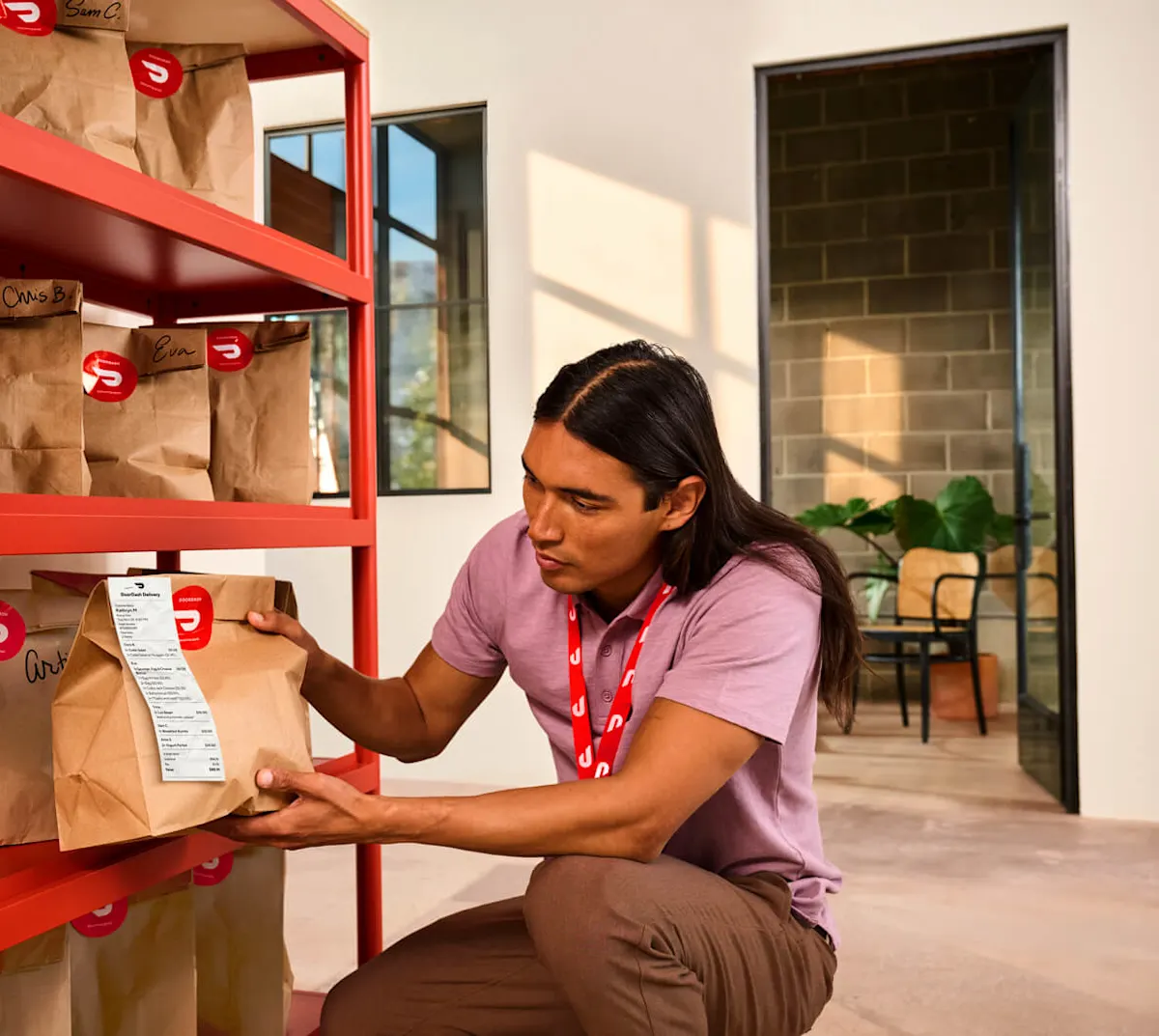
For recurring weekly lunches, you set up a structured program where each employee orders from their preferred restaurant and all the orders arrive together. It runs automatically after the initial setup. Budgets, dietary filters, delivery windows — all set once, adjustable anytime.
For specific events, you can place large-format orders from catering-ready restaurants, with tray or individually boxed options depending on what works for the occasion. A concierge team helps coordinate the details. All large orders get proactively monitored from prep to delivery.
Both run through the same admin portal. One budget dashboard. One billing relationship. Expense integrations with SAP Concur, Expensify, and Emburse for both.
That matters more than it sounds. When your team is at 80 people and you're running weekly lunches plus a monthly all-hands, you don't want to be managing two separate vendor relationships and reconciling two separate expense feeds.
See how DoorDash for Business handles team lunch delivery for any occasion.
The Takeaway
Daily team meal delivery and traditional catering aren't the same thing. They solve different problems on different timelines.
Get clear on which occasions you're actually trying to solve for. If it's regular weekly lunches for an in-office team, a recurring program will save you time and cut down on waste. If it's a specific event with a firm headcount, catering is the right call.
And if it's both — which it usually is, past a certain size — find a platform that handles them together. That's one less operational problem to re-solve every quarter.
Ready to simplify your office lunch program? Get started with DoorDash for Business today.