Key Takeaways
Eliminate manual tracking: The real bottleneck in bulk ordering isn't picking the food; it's manually collecting RSVPs and dietary needs via chat or email.
Use a shared cart: Send a single link that allows employees to add their own meals. This instantly solves the headache of tracking individual food allergies and preferences.
Consolidate the delivery: Prevent multiple drivers from arriving at different times. A group order guarantees a single delivery window so the whole team eats together while the food is hot.
Centralize the billing: Put the entire order on one corporate bill to completely eliminate the need for employees to float costs and submit individual expense reports.
Ordering lunch for a couple of coworkers barely counts as a task. Once the headcount climbs into the dozens, it turns into a small project, and it usually relies on one person with about a day's notice.
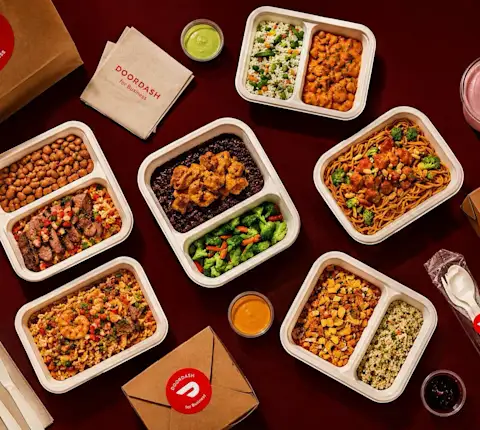
Bulk meal ordering doesn’t always mean catering. Sometimes it means helping a large group choose individual meals while keeping everything on one budget, one delivery, and one bill.
The real work is everything that comes after that “yes”: collecting what everyone wants, coordinating timing, managing payment, and doing it all again next month. Here’s how to simplify it.
When a bulk order has to feed the whole team, the food is the easy part
Picking the restaurant takes about ten minutes, and it's the fun part. You know the good spots near the office and roughly what the group will enjoy, so you make the call and move on.
Everything after that decision is where the hours go:
Figuring out who wants what and who's even in that day
Timing it so everything shows up together and still hot
Keeping it off your personal card and out of a reimbursement queue
Making sure the next order doesn't cost you the same hour all over again
None of that is hard on its own, but at volume, every small step gets multiplied by forty. Taking those manual steps out of the order, one at a time, is what the rest of this is about.
Let everyone add their individual meal to one shared order
The usual way a big order comes together is you collect picks over Slack, keep a running tally somewhere, hold in your head that two people are gluten-free and one's allergic to peanuts, then turn all of it into a single checkout while two more people ask if they can still change theirs.
That's the part worth handing off.
A shared cart flips who does the work. You set up one shared order, share the link with the team, and everyone adds what they want before the cutoff you set. Nobody's order has to pass through you, and the food preferences list stops being yours to keep. The dietary needs get handled by the people they belong to, since they're the ones placing the order.
The setup on your end stays light. You set a per-person budget so nobody expenses a $40 steak, you pick a cutoff so the order closes on time, and it checks out as one order on one payment.
It also solves what tends to go wrong most often: ordering for someone who wasn't coming in, or forgetting someone who was. If someone didn't add their meal, there's no meal waiting for them. People catch on quick, and the reminder pings start coming from an app instead of from you.
Schedule a single delivery so the whole team eats at once
Place forty meals as a handful of separate orders and you get a handful of separate deliveries. One shows up at 11:50, another at 12:20, a third gets stuck with a driver who can't find the freight elevator. By the time the last bag lands, the first table's already eaten or gone cold.
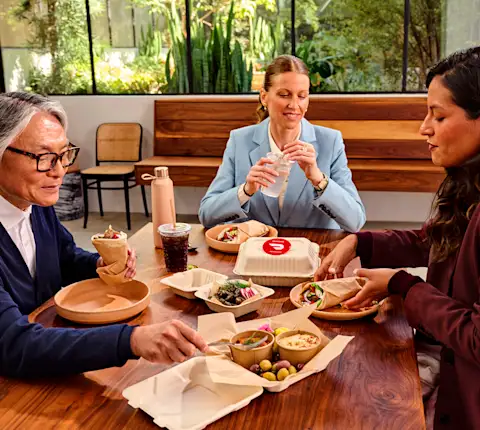
Consolidating into a group order gives you one delivery window to one spot. You set the time, point it at a shared drop like the lobby or a conference room, and it arrives together. For anything tied to a meeting, schedule it the day before so you're not refreshing a tracking screen while people file in.
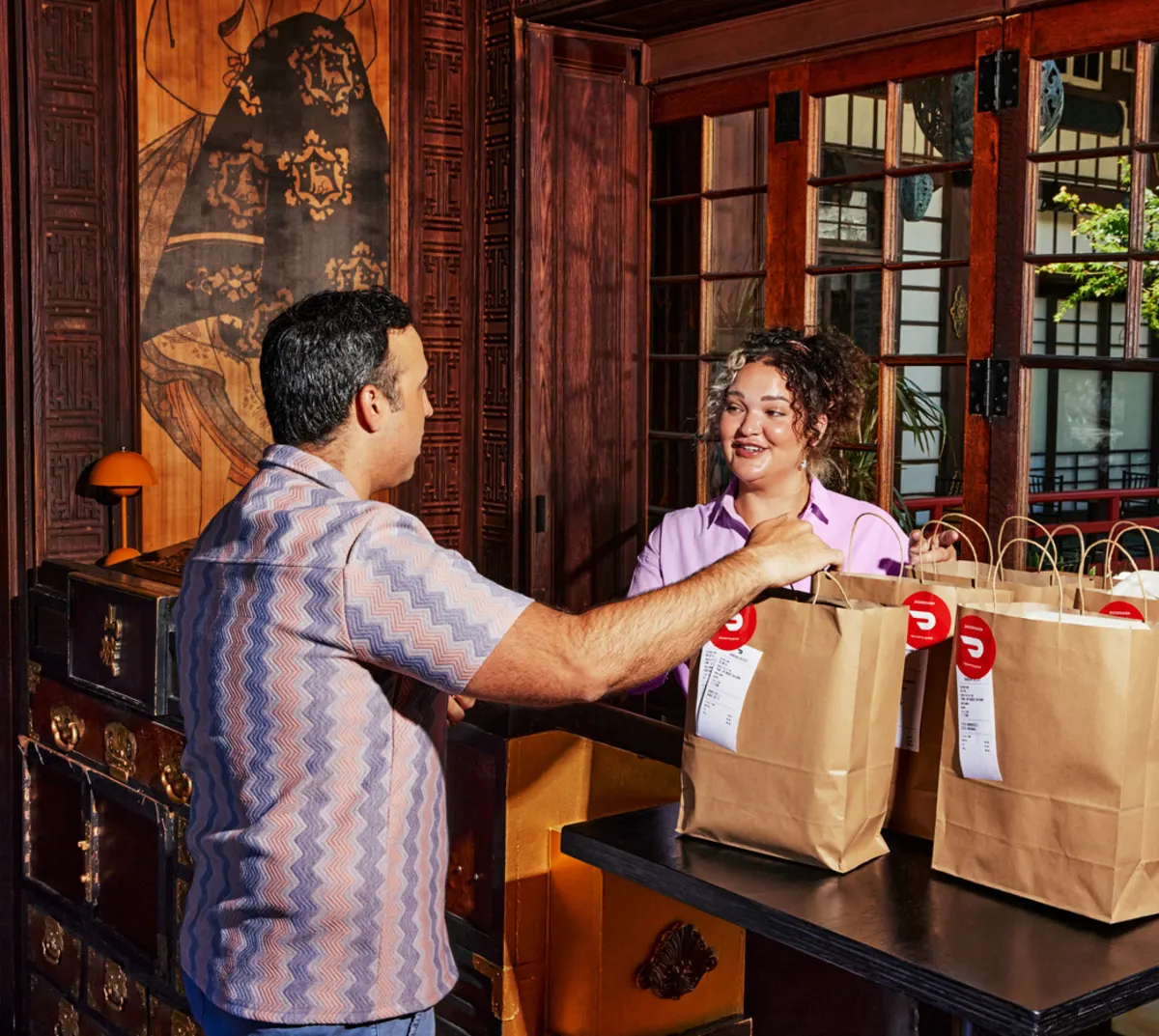
One small habit that saves you on the day: pick a single person to receive and lay out the order, and keep it the same person each time. A delivery that's sorted before anyone walks up runs noticeably smoother than one that waits on whoever happens to be near the door. If your building has a security desk or a loading dock with its own rules, sort that out once and it stops being a surprise.
Put the whole order on one bill instead of requesting separate reimbursements
This is where team meal ordering can get messy. The food goes fine, and then three weeks later someone in finance is staring at a personal card reimbursement for "team lunch" with no receipt attached.
With a consolidated order, you get one charge instead of many scattered across people's cards, and it shows up already tagged to the right team or cost center. When the numbers are visible as they happen and flow into the tools your finance team already uses, you're not reconstructing last month from a pile of receipts, and nobody's floating company spend on their own credit line while they wait to get paid back.
Where workplace meal ordering goes from here
Once a bulk order runs smoothly, two situations call for a different setup than a group order.
The first is repetition. You don't need an official program to make this easier. Save the parts that don't change, like the budget and the drop point, and the next order is a quick edit instead of a rebuild. And once you're rebuilding the same Thursday order week after week, a standing meal program makes more sense than spinning one up by hand each time. It keeps what never changes and runs on a schedule, so the recurring lunch stops being a task you own.
The second is a planned event where you want a served spread instead of a stack of individual bags. An all-hands, a training day, a client lunch. That's when you should go for office catering: one person orders for the room, the food comes tray-style, and the lead times run longer because the kitchen is prepping at volume.
Place your next bulk meal order with DoorDash
You don't need to get better at the spreadsheet. You need the order to mostly run itself once you've set the rules: who's included, what the budget is, when it closes, and where it gets delivered.
That's the part DoorDash for Business takes off your plate. With Group Orders, employees can add their own meals to one shared cart, while teams keep the order organized with a set budget, one delivery, and a single bill.
Get started with DoorDash for Business and and make your next bulk meal order easier to manage from start to finish.
Frequently Asked Questions (FAQs)
How do you order lunch for a large group of employees efficiently?
The most efficient way to handle a bulk office order is to eliminate the manual collection of preferences. Instead of using spreadsheets or Slack threads, use a digital Group Order platform. The administrator simply sets a per-person budget, a cutoff time, and a delivery location, and employees use a shared link to add their own meals to a single cart.
How can I manage dietary restrictions for a bulk office order?
The easiest way to manage dietary restrictions at scale is to decentralize the ordering process. When you use a shared digital cart, employees apply their own dietary filters (vegan, gluten-free, allergy-safe) and pick exactly what they can eat. This removes the administrator from the responsibility of guessing or managing a complex spreadsheet of food allergies.
What is the best way to handle expenses and billing for a team lunch?
Avoid making employees pay out-of-pocket and submit individual expense reports. The most streamlined method is to use a consolidated billing system through a corporate meal platform. The entire bulk order is charged as a single transaction to a corporate account or card, automatically tagged to the correct cost center for your Finance team.
When should I use group orders versus office catering?
Use Group Orders when employees want individual choices (like personalized bowls or wraps) and the gathering is relatively casual. You should switch to Office Catering (tray-style or buffet spreads) for formal, planned events—such as quarterly all-hands meetings, client visits, or training days—where you want a unified, shared dining experience.