
Business Profile
Separate work and personal orders
Business Profile is a feature built into the DoorDash app. You set it up directly in the app, with no DoorDash for Business account.
Managing meals for your team instead?
Create business account
What is a Business Profile
Work and personal,kept separate
A Business Profile helps you organize work orders and simplify expensing in the DoorDash app. It’s free to create, with no separate app or login.
Labeled Personal or Business
Pick Personal or Business at checkout to label each order for easy filtering.
Receipts to work email
Get a PDF receipt for each business order sent to your chosen work email.
Synced to expense tools
Link a supported expense tool and your receipts are sent to it automatically.
Works with your account
Add it right in the DoorDash app. No separate app or login needed.
Find your path
Which onesounds like you?
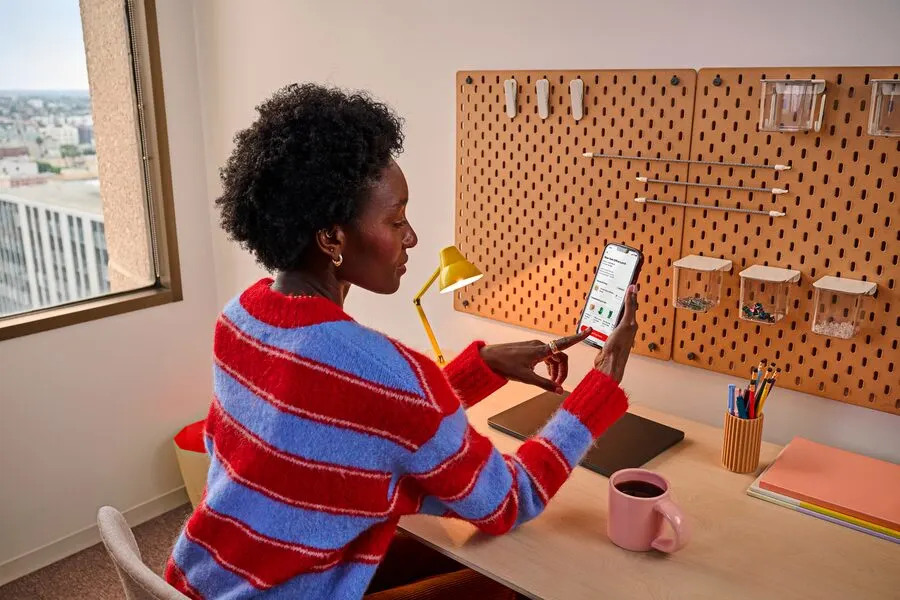
For employees and individuals
I order meals for myself at work
In the DoorDash app, create a Business Profile to keep work orders separate and get receipts by email.
Set up a Business Profile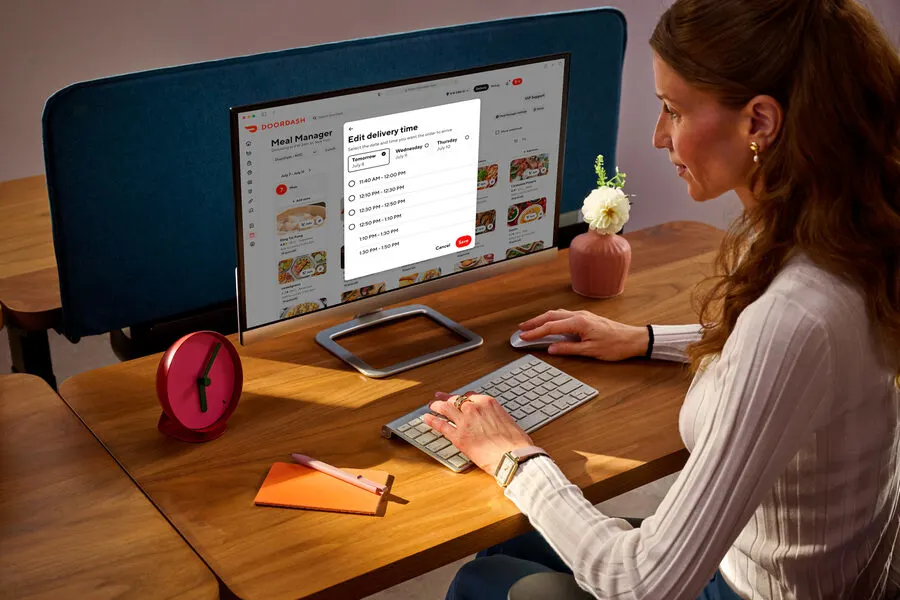
For admins and team managers
I manage meals for a team at work
DoorDash for Business is where admins set up meal programs, budgets, and DashPass for employees.
Create business accountBusiness Profile features
Less time onexpense reports
Choose it at checkout
Pick Business for work meals and your Personal method for the rest.
Receipts sent for you
A PDF receipt goes to your work email each time you order for work.
Linked to expense tools
Link it once, and receipts reach your provider with no manual uploads.
Not just restaurants
Use it on eligible orders, including restaurants, grocery, and more.
Use company benefits
Access available company meal benefits, like Meal Budgets, in the app.
For admins and team managers
Managing meals for a team?
A business account is where you start.
A Business Profile covers your own orders. Admins use a business account to set budgets, track spend, and manage meal programs for a team.
Create business accountHow it works
Set up your profile in 5 quick steps
Ready to keep work orders separate? Here’s how to set it up in the DoorDash app.
In the DoorDash app, sign in as usual, go to Account Settings, and select your Account profile.
Under Business Profile, select Create profile. You don’t need a new account or login.
Choose a payment method for work orders. It can be the same one you use for personal orders.
Optionally, add a work email for receipts and link an expense tool to send them automatically.
At checkout, select your Business Profile under Payment details, then place your order.


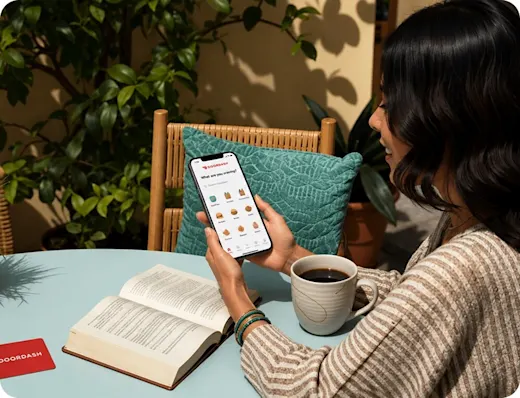

*Checkout starts on Personal, so choose your Business Profile each time.
You can’t switch profiles after you place an order.
Works with yourexpense tool
Link your provider and all your business receipts are sent to it automatically. Other supported providers work too.
 for Business





Your questions,answered
A Business Profile is a work lane inside your existing DoorDash account. You can separate business and personal orders, send work receipts to a dedicated email, and connect orders to supported expense providers. You don’t need a separate app or a new login.
No. Any DoorDash customer can create a Business Profile in their own account, and creating one doesn’t enroll you in DoorDash for Business. DoorDash for Business is a separate program for admins who set up meal programs for their teams. If that’s you, you can create a business account.
None of them. A Business Profile is optional and works alongside your company’s DoorDash for Business benefits. For Meal Budgets and Meal Manager, employees link their existing DoorDash account to their company’s team. DashPass is activated in the DoorDash app. Corporate Catering, Group Orders, and Gift Cards only need a standard DoorDash account. You can add a Business Profile to any of these if you want to keep work orders separate and send receipts straight to your expense tool.
In the DoorDash app, go to Account Settings and select your Account profile. Under Business Profile, select Create profile. Add your work email, a work payment method, and, if your company uses one, a supported expense provider.
Business Profiles integrate with SAP Concur, Expensify, Emburse, Ramp, Brex, and other supported providers. Once you link your account, receipts for business orders are sent to your expense tool automatically.
At checkout, choose your Business Profile for work meals or your personal payment method for everything else. Your work orders stay tagged as business, so they never get mixed in with personal charges.
Yes. If your company offers benefits like Meal Budgets or DashPass through DoorDash for Business, you can see them in your Business Profile and apply them at checkout.
Yes. Business Profiles work on eligible DoorDash orders, including restaurants, grocery, and more.
No. Creating a Business Profile is free. You only pay for the orders you place.
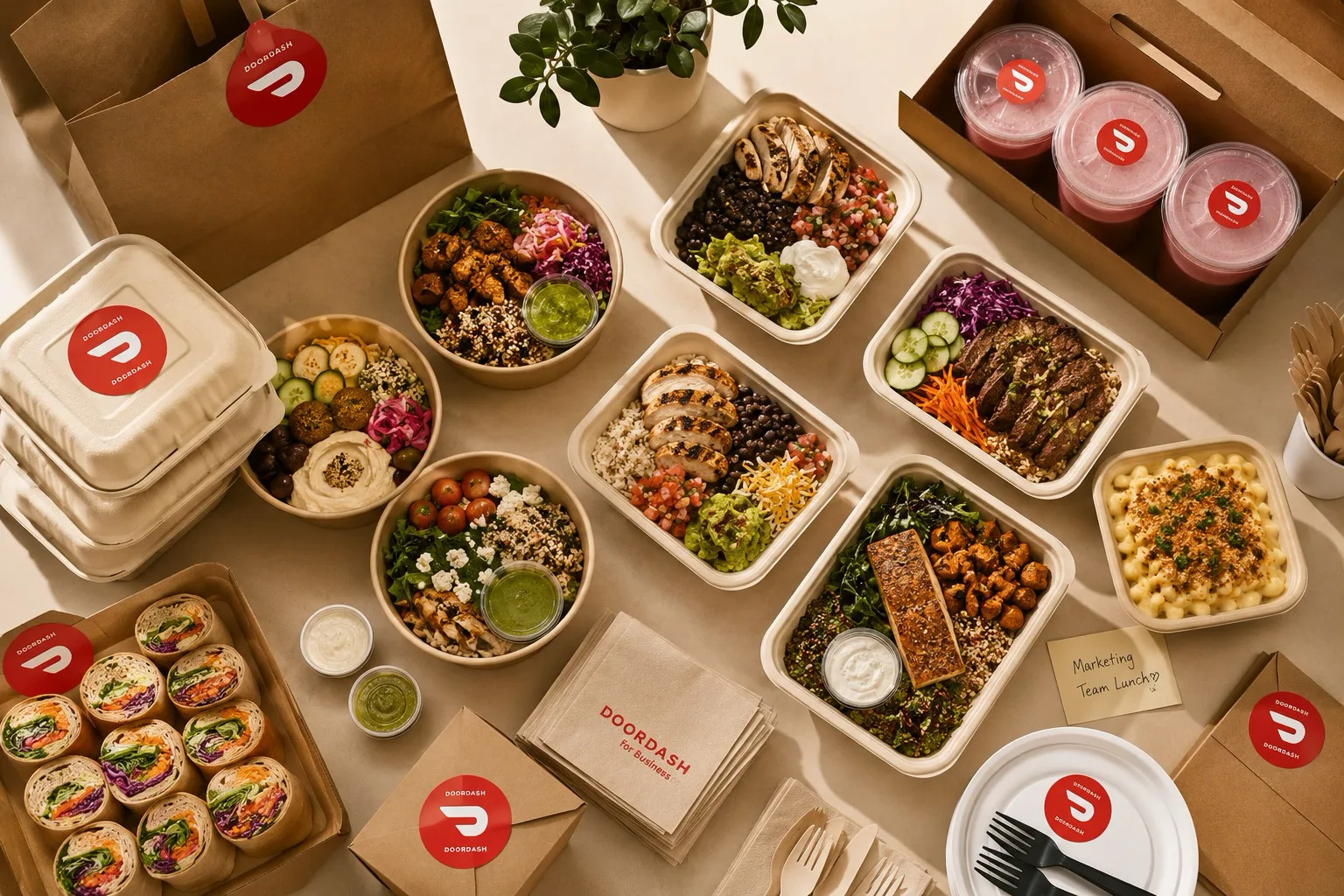
Expense work mealswithout the hassle
Create your Business Profile directly in the DoorDash app and send receipts straight to your expense tool. It’s free, and no business account is needed.
Set up a Business ProfileManaging meals for a team? Create business account