
Group Orders
Small group lunches, without the chaos
Everyone chooses their own meal and adds it to one group order. Each person can pay for their own, or the company can cover the cost. It all arrives together.
What is a group order
Order together,Set up in minutes
Simply choose the restaurant, set the delivery time and let everyone order what they prefer.
One restaurant, one cart
The organizer picks a restaurant and shares a link, and anyone can add their preferred meals.
Split the bill however you want
Split billing lets each person pay their own share, or bill the whole order to a single account.
Modify order details
Give the group a budget, set a deadline to add their order and schedule it up to 4 days before.
Delivered together
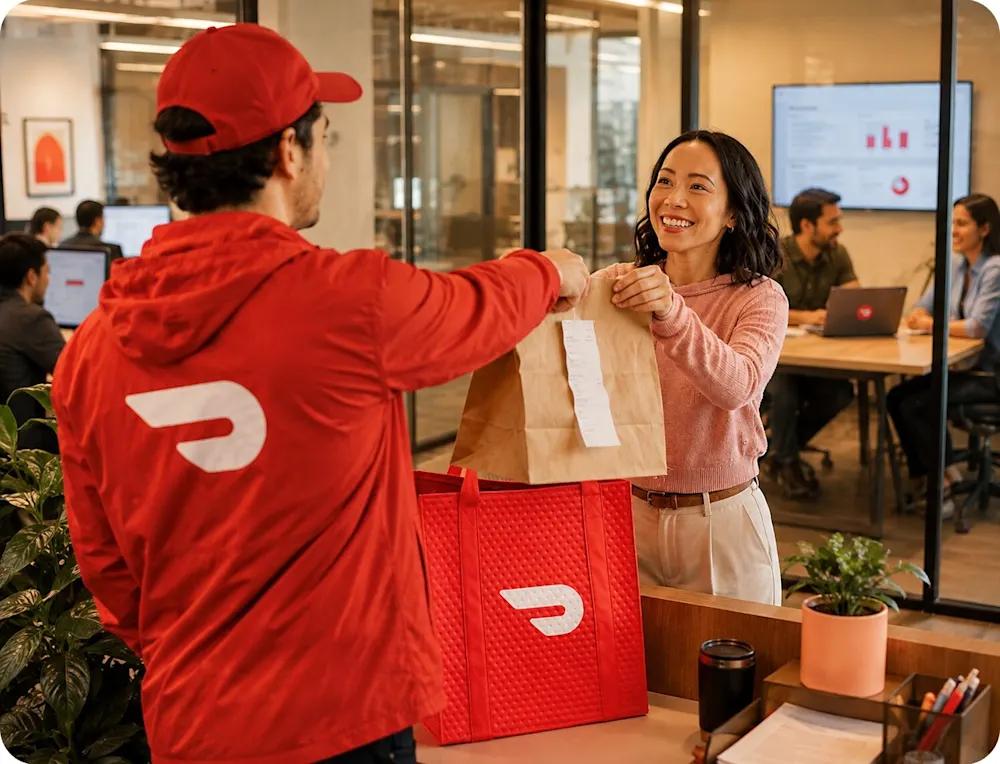
The whole group's order arrives together, not a dozen separate deliveries.

Built for small gatherings
Group meals thatwork for everyone
500,000+ restaurants
Order from thousands of restaurants, so you can switch it up every time you get together.
Order for up to 15 people
Perfect for small teams or businesses, one simple checkout and delivery.
One link is all it takes
Text it, email it, or drop it in Slack, no DoorDash account needed to join the order.
Feeding your team beyond this order?

Group orders features
Extra care for every shared order
Preferred Dashers
Your orders go to Dashers with a 4.7+ rating and 100+ deliveries, when one's available nearby.
Prioritized orders
You get matched with the first available preferred Dasher, so your order arrives faster.
Dedicated support
If something comes up, you can reach our dedicated live order support team by email or phone.
No additional cost
You get all of this at no extra cost, included for every DoorDash customer right in the app.
Explore DoorDash for Business
For recurring orders or meals across your team, a business account makes it easier to keep everything organized.
Your business account lets you:
Set and manage budgets
Track the overall spend and receive analytics
Manage all your meal programs from one platform
How it works
Place a team group order, in 5 easy steps
Order same-day, or schedule up to 4 days ahead. Just open the DoorDash app and invite your group.
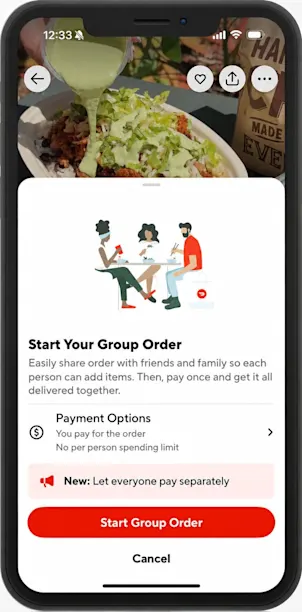
1. Tap "Group Order" at any restaurant
Start a shared cart right from any restaurant's store page in the DoorDash app.
2. Choose how everyone pays
Pick everyone pays separately for split billing, or have the organizer cover the whole order.
3. Share the group link
Send it however works best for your team. No DoorDash account needed to join.
4. Everyone adds their own meal
Each person picks what they want, within the spending limit if the organizer set one.
5. The order arrives together
The organizer checks out, and the whole order arrives as one delivery.
Feeding your team beyond this order?
Discover more business
solutions from DoorDash
One account, every meal program your team needs beyond a one-time order.
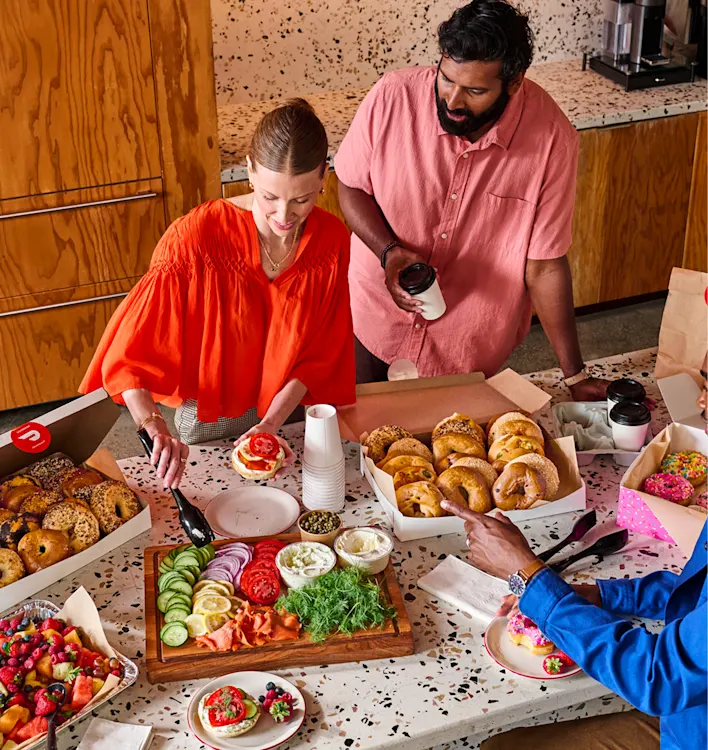
Corporate Catering
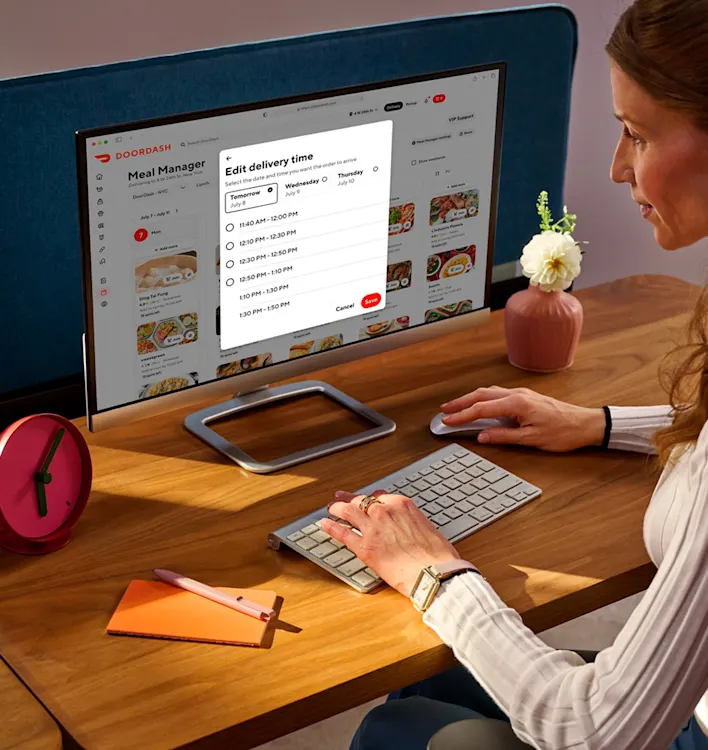
Meal Manager
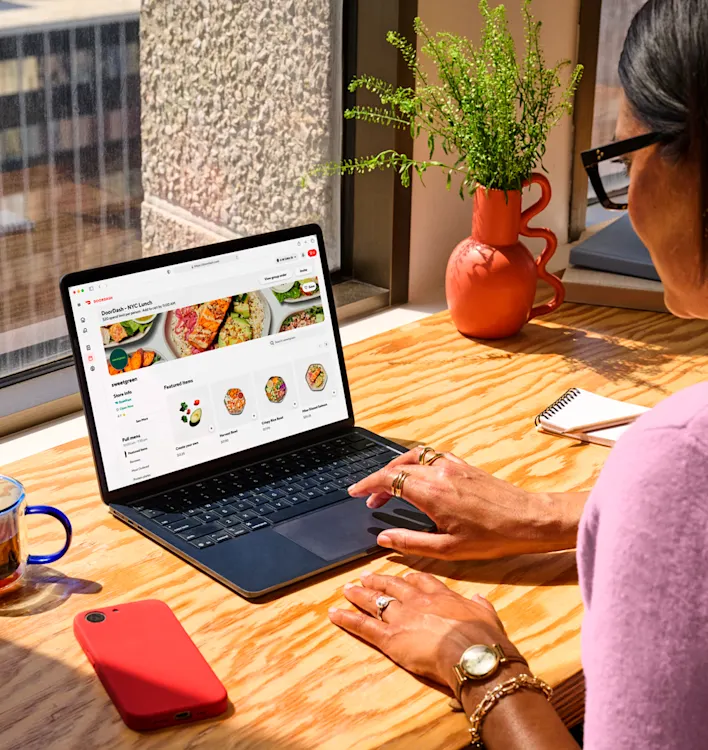
Meal Budgets
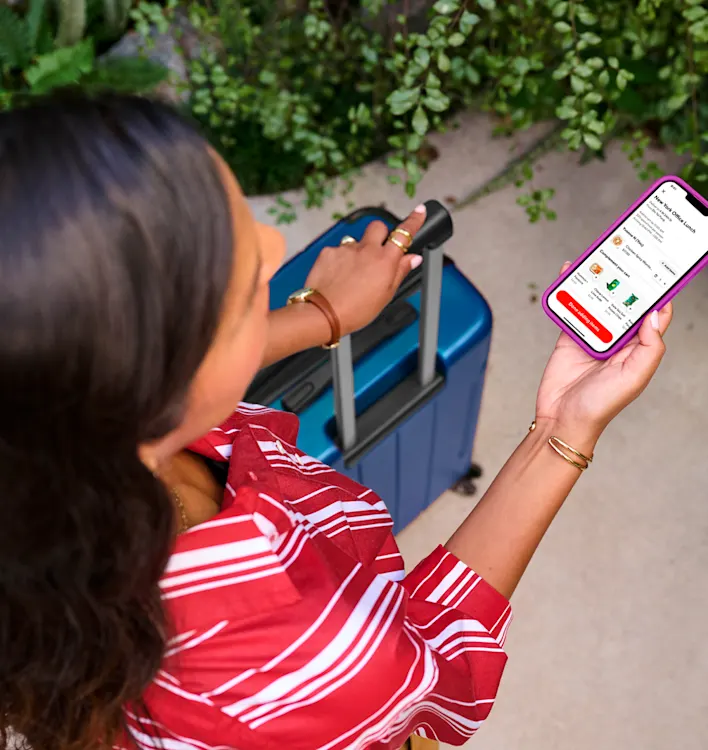
Meal Vouchers
Enterprise
Managing meals across a larger organization?
Explore our enterprise solutions, with specialized invoicing, volume-based rebates, and a dedicated account manager to help your team get set up and stay supported.
Your questions,answered
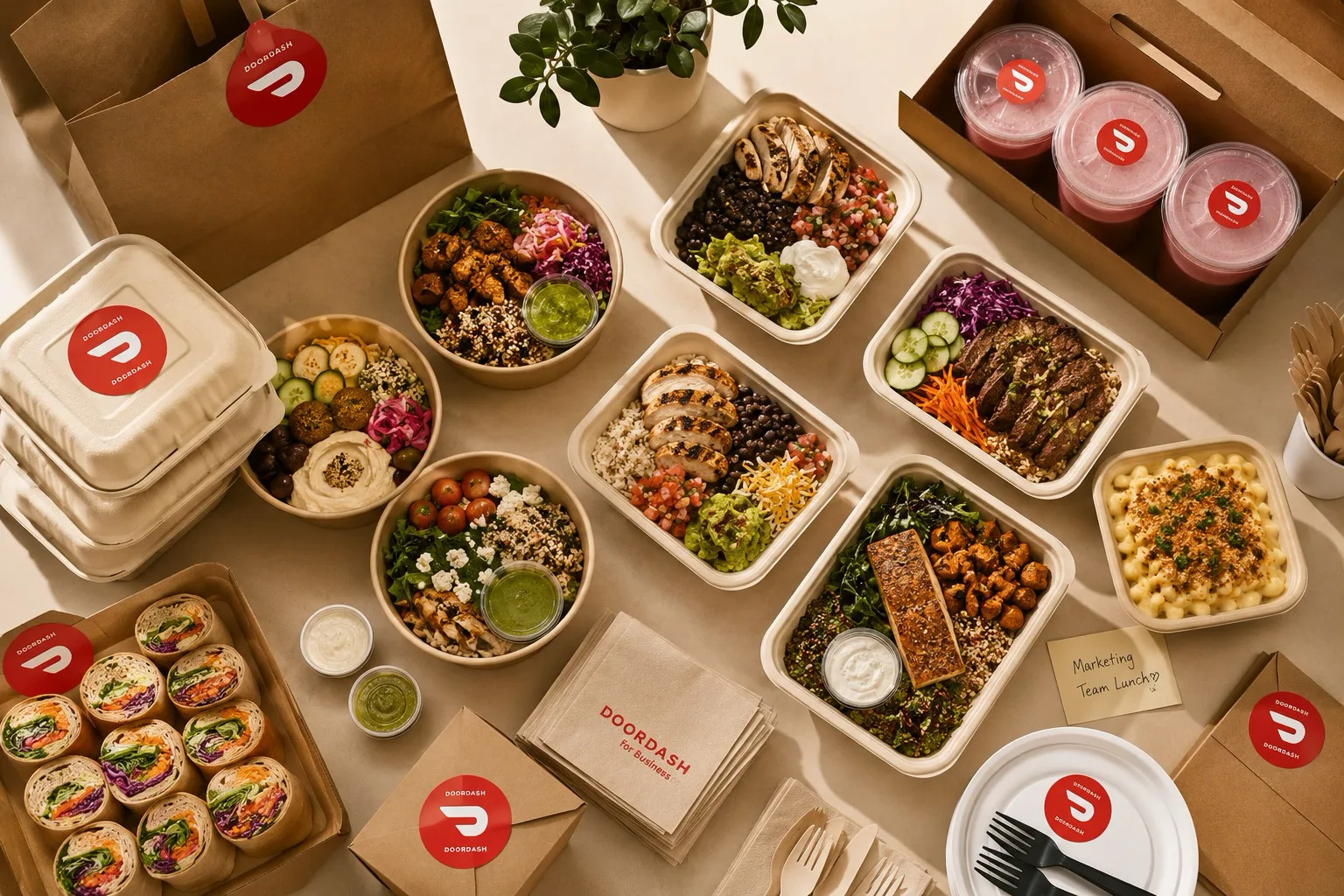
A group meal,in one easy order
Order once, everyone's covered.
Split it your way, no one's chasing anyone down.